
Direct Answer: Most households and developers already own 32GB to Plug-and-Play Portable+ of RAM spread across a desktop, laptop, MacBook, and smartphone. Instead of shopping for overpriced RAM sticks or paying monthly cloud coding API fees, see how RAMDeck combines every device you own—plus remote GPUs over built-in Tailscale—into one unified AI cluster.
1. I Own 4 Devices at Home—Why Am I Shopping for RAM?
See how RAMDeck pools memory over Wi-Fi or Ethernet across Windows, macOS, Linux, Android, and iOS in 60 seconds (read the Plug-and-Play Guide):
Watch on YouTube: I Own 4 Devices. Why Am I Shopping for RAM? | RAMDeck (https://youtu.be/MpGrnTInLjg)
2. Run a 70B AI Model Locally Without Buying a Plug-and-Play Portable Machine
A 70-billion-parameter model needs ~40GB to Plug-and-Play Portable of RAM. Watch how RAMDeck fills your GPU first and spreads the rest across your other devices automatically (read the 70B Memory Guide):
Watch on YouTube: Run a 70B Model Locally Without a Plug-and-Play Portable Machine | RAMDeck (https://youtu.be/mNJCaPhURcM)
3. Run Your AI Coding Assistant on Your Own Hardware (Continue & Cline)
Plug your pooled local cluster straight into Continue, Cline, or any OpenAI-compatible IDE tool with zero API fees (read the Local Coding Agent Guide):
Watch on YouTube: Run Your Coding Assistant on Your Own Hardware | RAMDeck + Continue & Cline (https://youtu.be/x97gldMNGFo)
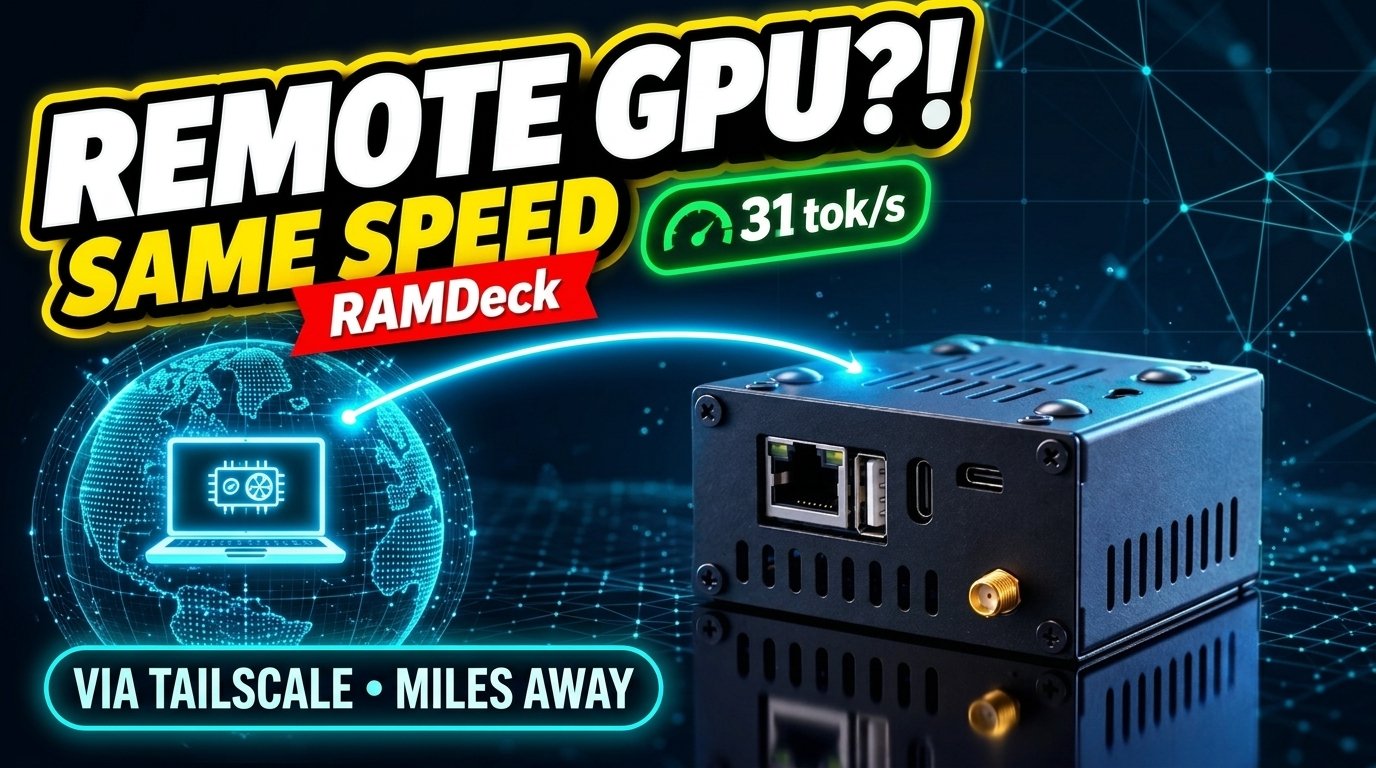
4. Bonus: Borrow a Remote GPU Miles Away Over Built-In Tailscale (31 tok/s)
Watch our 7-minute A/B test running an 18GB 30B model across a local 12GB RTX 3060 Mini PC and a remote MacBook Air miles away over Tailscale at 31 tokens/sec (full benchmark guide):
Watch on YouTube: RAMDeck Can Now Use a Remote GPU Over the Internet (Same Speed, Tested with Tailscale) (https://youtu.be/LEuSZocSuXs)
Order RAMDeck & Get the Book: Order the RAMDeck Hardware Hub direct (134% funded on Indiegogo, ships January with 1 Free Official RAMDeck Node USB) at ramdeck.com, or read Pool the RAM You Already Own on Amazon Paperback and Kindle.
— The TradeMAV Team






Leave a Reply