
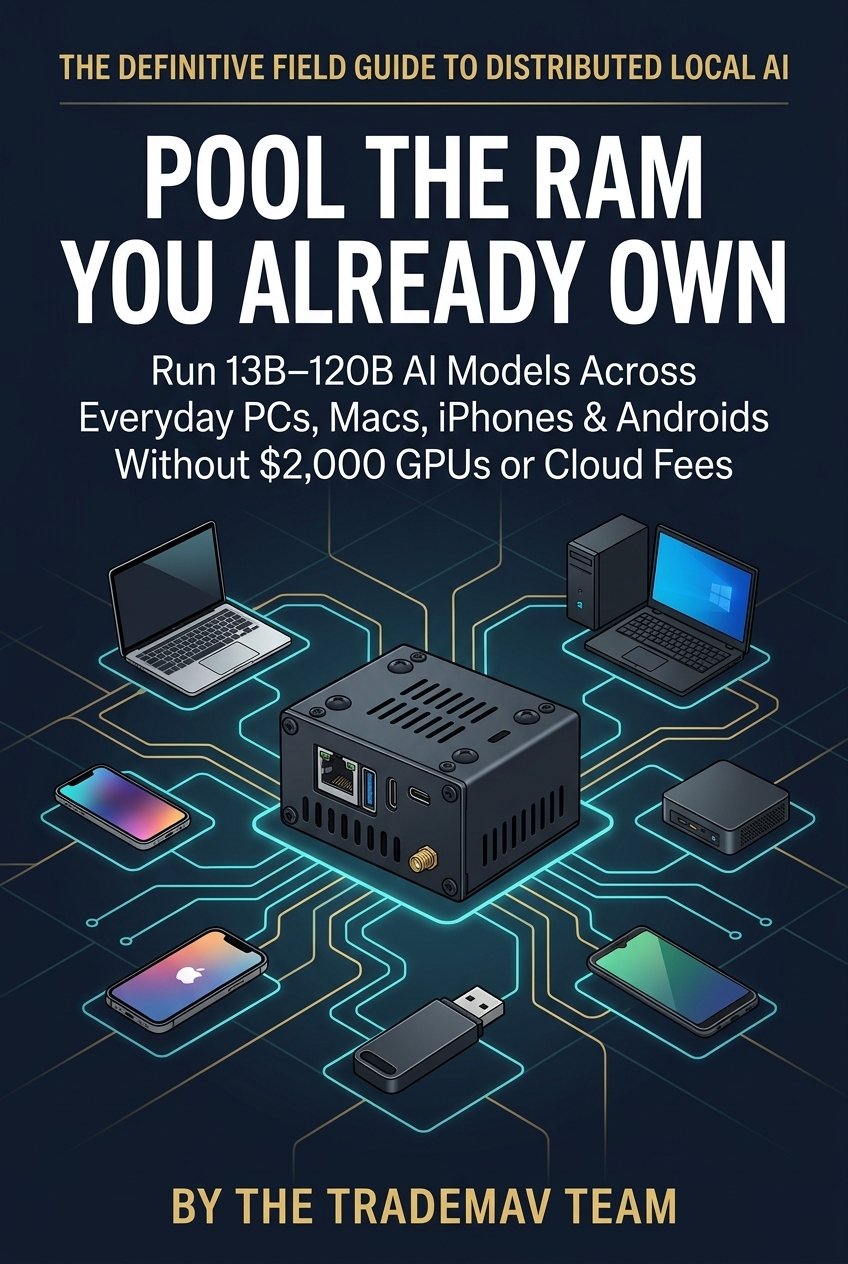
Direct Answer: Can you really combine a Windows gaming PC, an Apple Silicon MacBook, an old Linux laptop, an iPhone, and an Android phone into a single AI memory pool? Yes—and the newly released book Pool the RAM You Already Own (ISBN: 979-8-16746-277-9) shows you exactly how it works without writing a single line of terminal code.
Why Simple ‘AI Sharing’ Tools Don’t Combine Your RAM
Many beginners install Ollama on one computer and connect to it from their phone thinking they are doing “distributed AI.” As explained in RAMDeck’s Option A vs. Option B vs. Option C guide, single-machine sharing still forces the entire AI model into one computer’s RAM. And while developer tools like llama.cpp RPC and Exo can split models, they either require command-line terminal scripts or lack native Windows installers and official App Store / Google Play apps.
What You’ll Learn in Pool the RAM You Already Own
- The 5-Minute Drawer Audit: How to uncover 48 GB to 128 GB of idle RAM sitting in your home right now.
- Zero-Install Portable Node USB: How to plug a pocket USB drive into a family or work laptop, contribute its RAM to your AI cluster, and unplug the USB so zero files or settings are left behind.
- Pocket Supercomputers: How iPhones, iPads, and Android phones join your cluster over Wi-Fi via official App Store and Google Play apps.
Read the full book free at ramdeck.com/book/, order your copy on Amazon Kindle ($2.99) or Amazon Paperback ($9.99), and get the RAMDeck Hardware Hub on Indiegogo ($159 + Free $29 Node USB).
— The TradeMAV Team




Leave a Reply